Change Log
- References to a “run” have been replaced with the term “run”.
The District Map is the layout of rooms (and the paths between them) in a district. It is generated at the start of a district (or at the start of the run, if that works better for programming), and then progressed through as the player enters, clears, and moves between rooms on the map.
See Rooms for information on all of the rooms. To summarise, these are the room types:
- Battle
- Elite Battle
- Boss Battle
- Item Shop
- Upgrade Shop
- Random Encounter
See also: District Map UI, Randomness.
References
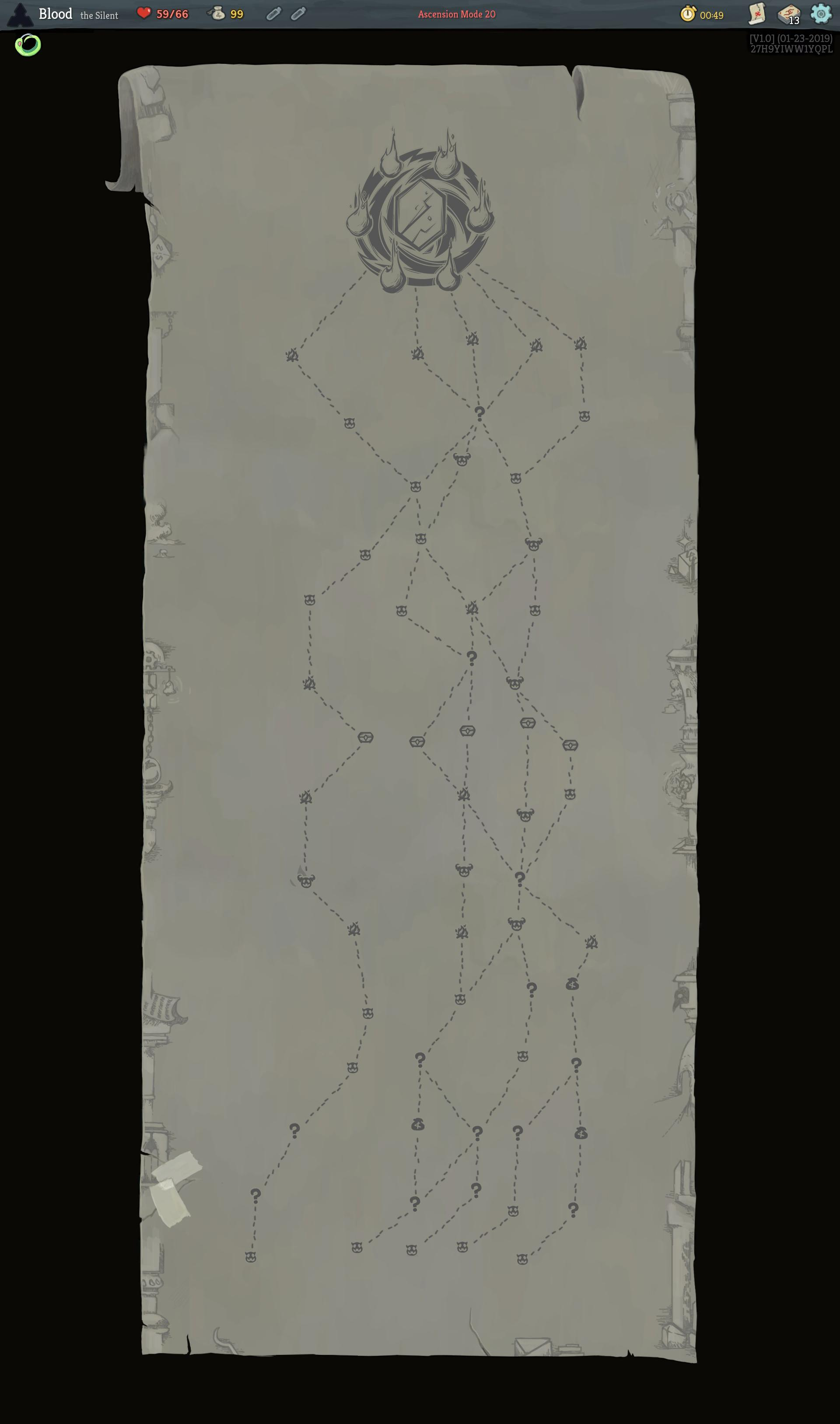
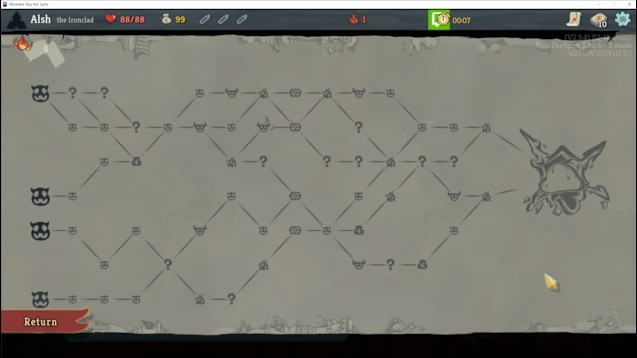
The system we’re outlining here is mostly based on Slay the Spire. Images of the map from that game (including one that is modded to remove the stylistic display) are included below. Take a look at this writeup for a complete technical breakdown of how the map is generated.
Images of the map from Slay the Spire
Specifications
The map is composed of rooms, which are the icons on the map, and paths, which are the links between icons. Our map shall be laid out horizontally, traversing from left to right.
- Rooms have different icons depending on the type of room it is (combat, elite, boss, shop, etc).
- Rooms are laid out in several columns.
- Paths only join rooms on adjacent columns. They don’t link to rooms on the same column.
- The final room is always a boss room, which every room on the previous column links to.
- In our game specifically, the first room will always be a combat encounter, which every room on the next column links to.
This design has the following implications:
- The player will go through the same number of rooms no matter which path they choose
- The player can choose a path based on their priorities at any given time (getting more shards, spending shards, avoiding elites, etc etc etc)
- It will look really cool
The District Loop diagram (referenced below) shows where the district map is relevant in the scope of a district.
